Getting Started with Distinction.app | Guide for Creators and Lecturers

Signing up as a Creator


Creating an account is the first step to becoming a Creator on the Distinction platform.

This section explains how to sign up and access your dashboard and all the tools required to build, manage, and publish your online courses. 

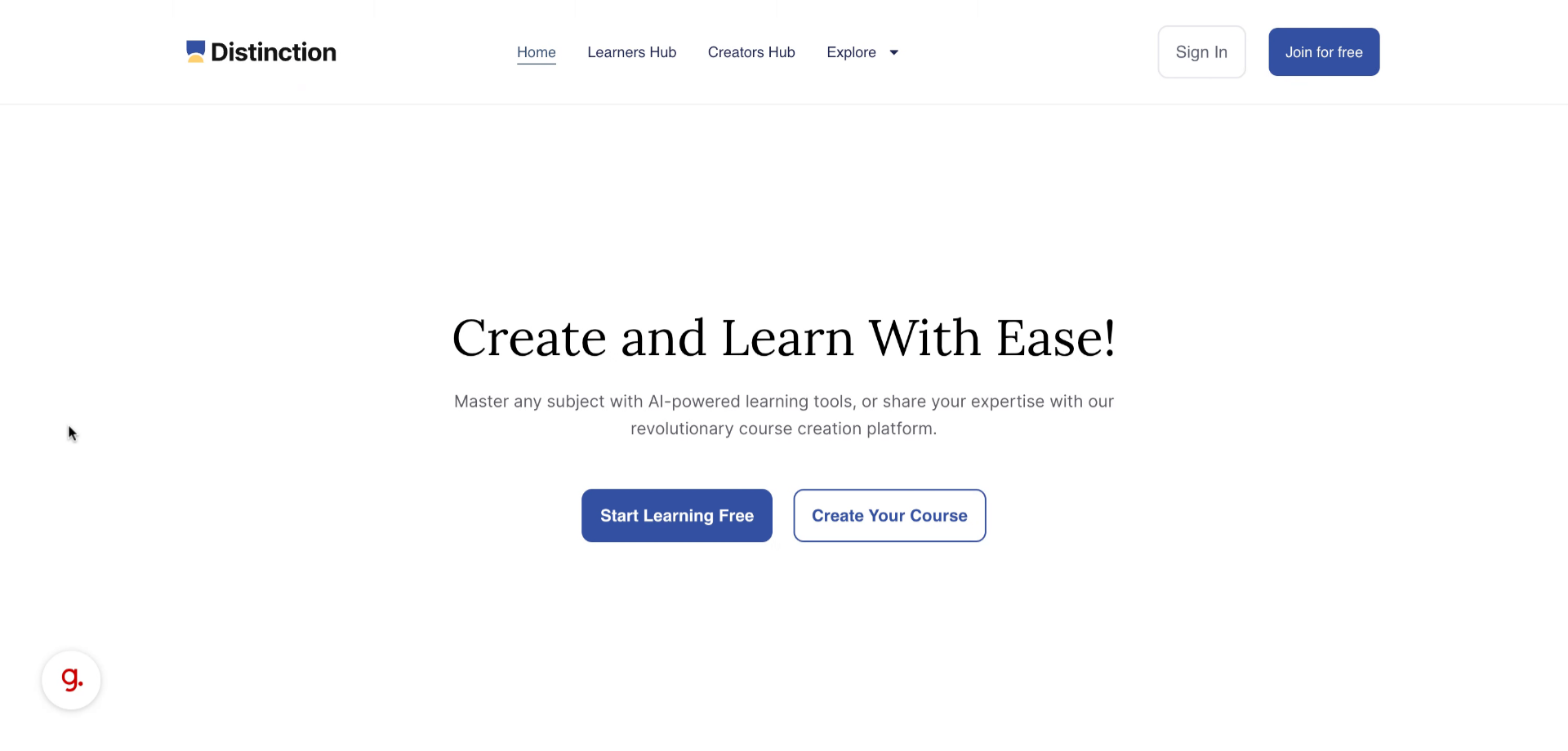
Step 1: Open your preferred browser and go to distinction.app.

01
 Introduction

You will learn how to start by selecting the appropriate option to sign up and start creating your courses in minutes 
preview
02
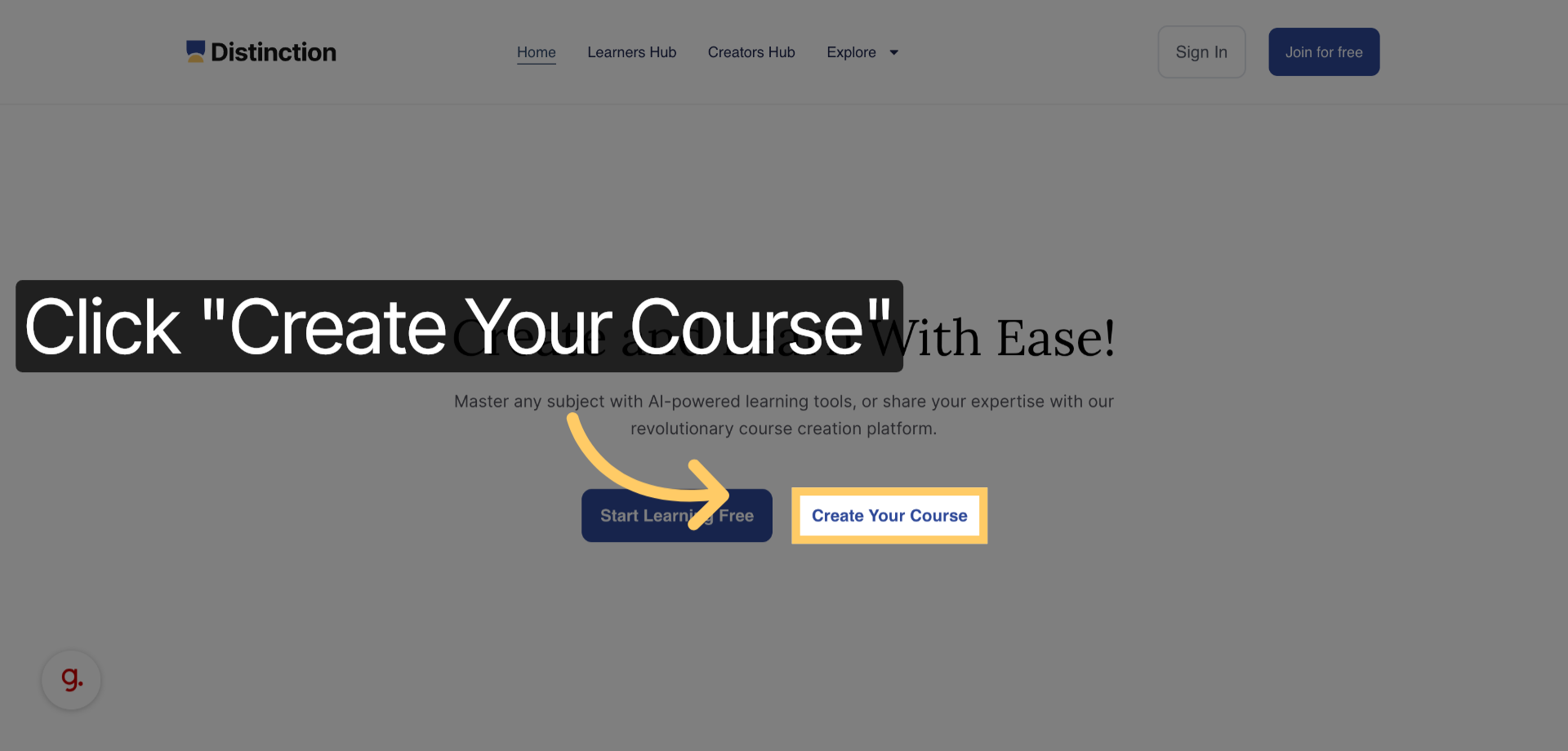
 Click Create Your Course
  1. On the homepage, click the Create Your Course button to start the signup process.
preview
03
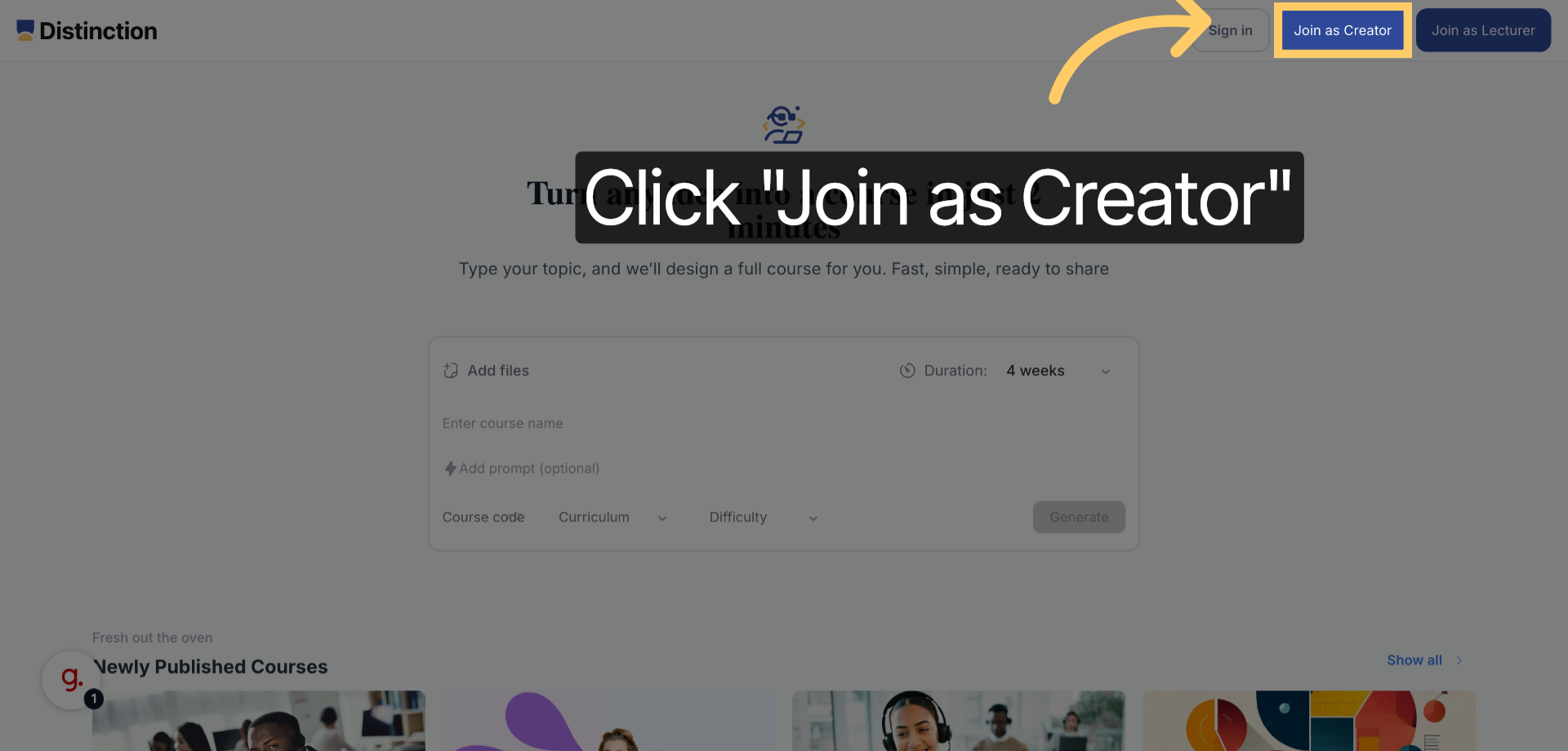
 Select Join As Creator
  1. Choose the Join as Creator option to indicate that you want to create and manage your own courses.
preview
04
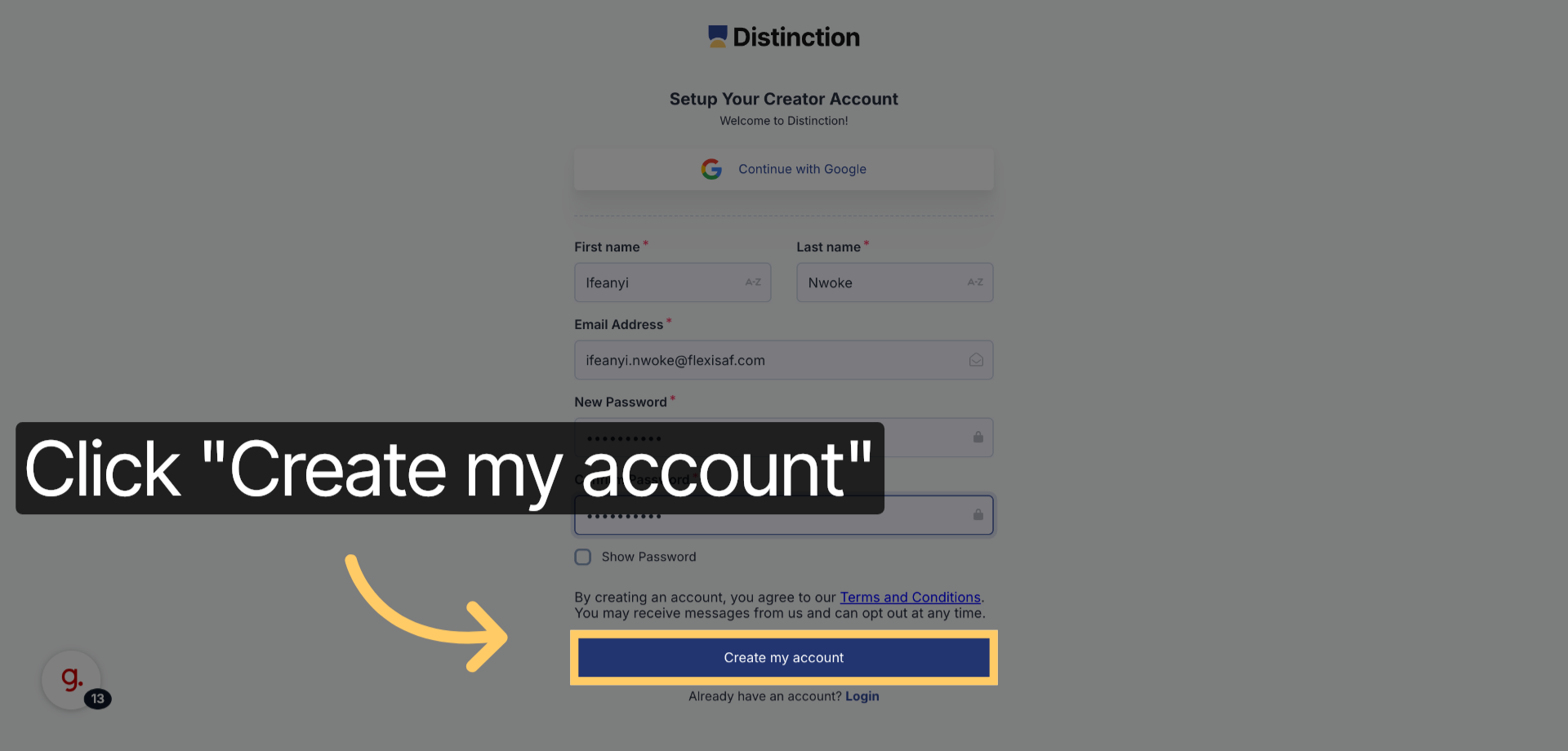
 Click Create My Account

Enter your personal information:

  • Name

  • Email Address

  • Password (and confirm your password)

Then click Create My Account to submit your registration details.

preview
05
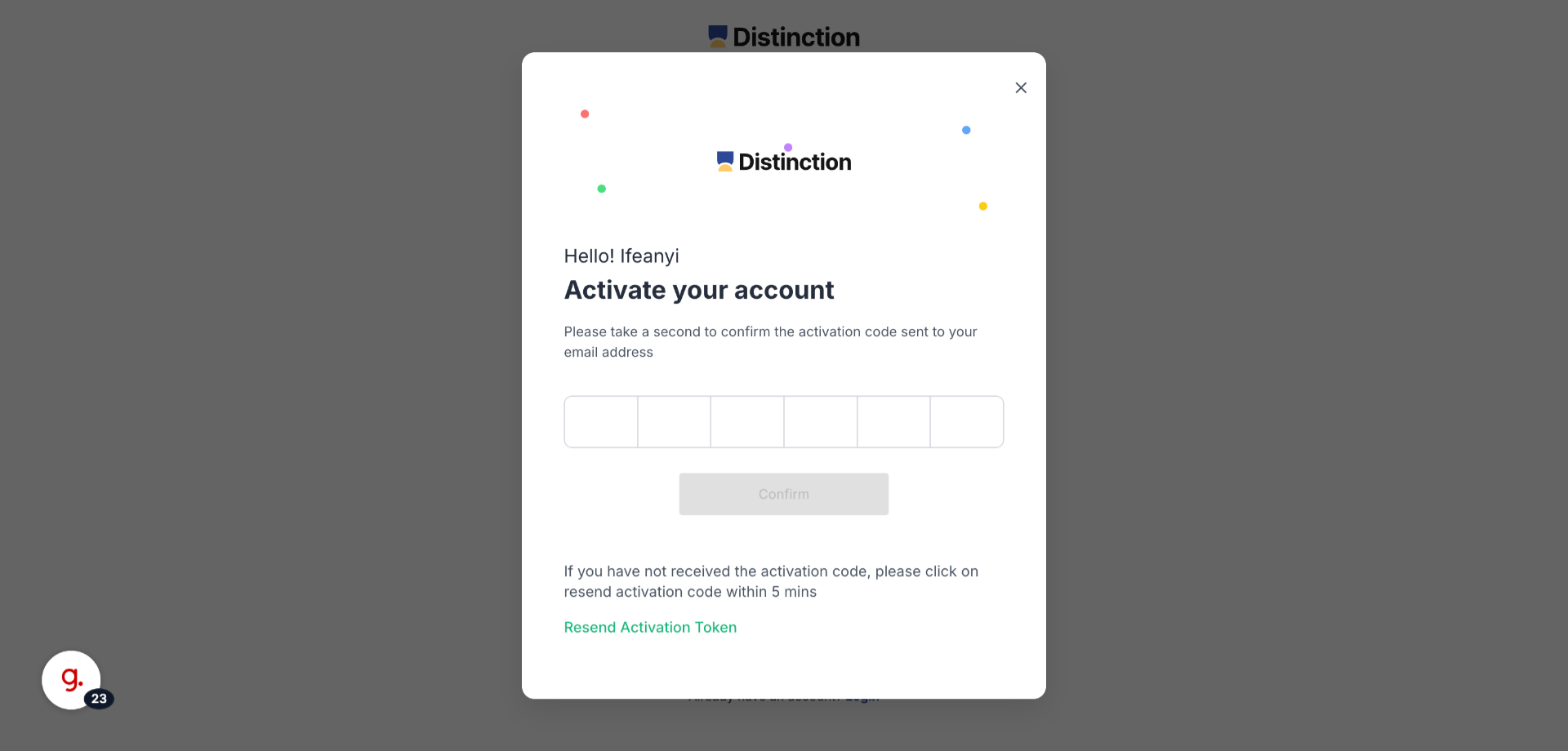
 Enter Your Activation Code
  1. After submitting your registration, an activation code will be sent to your email.
preview
06
 Enter the 6-digit Activation button
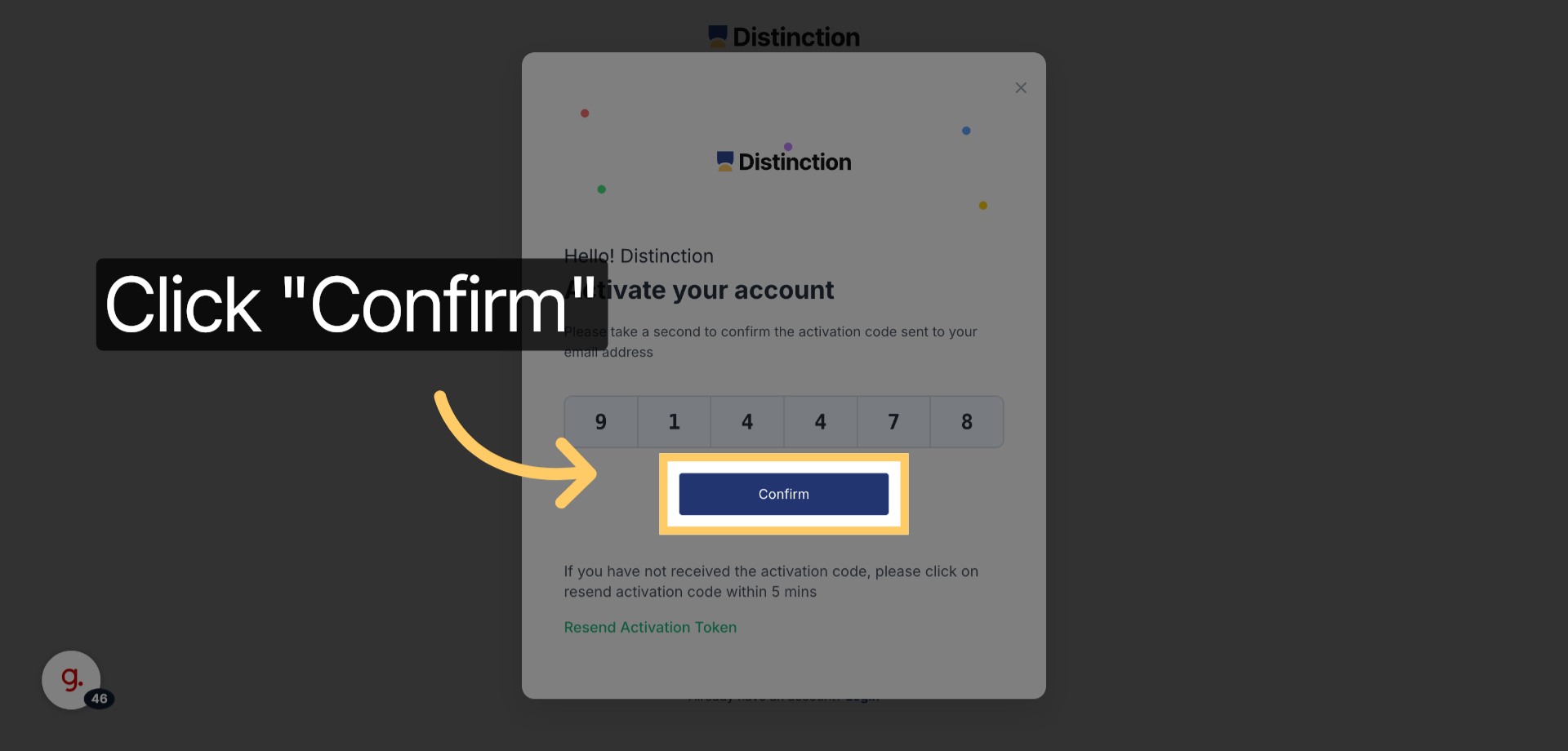
  1. Enter the 6-digit activation code you received and click Confirm to verify your account.
  1. preview
07
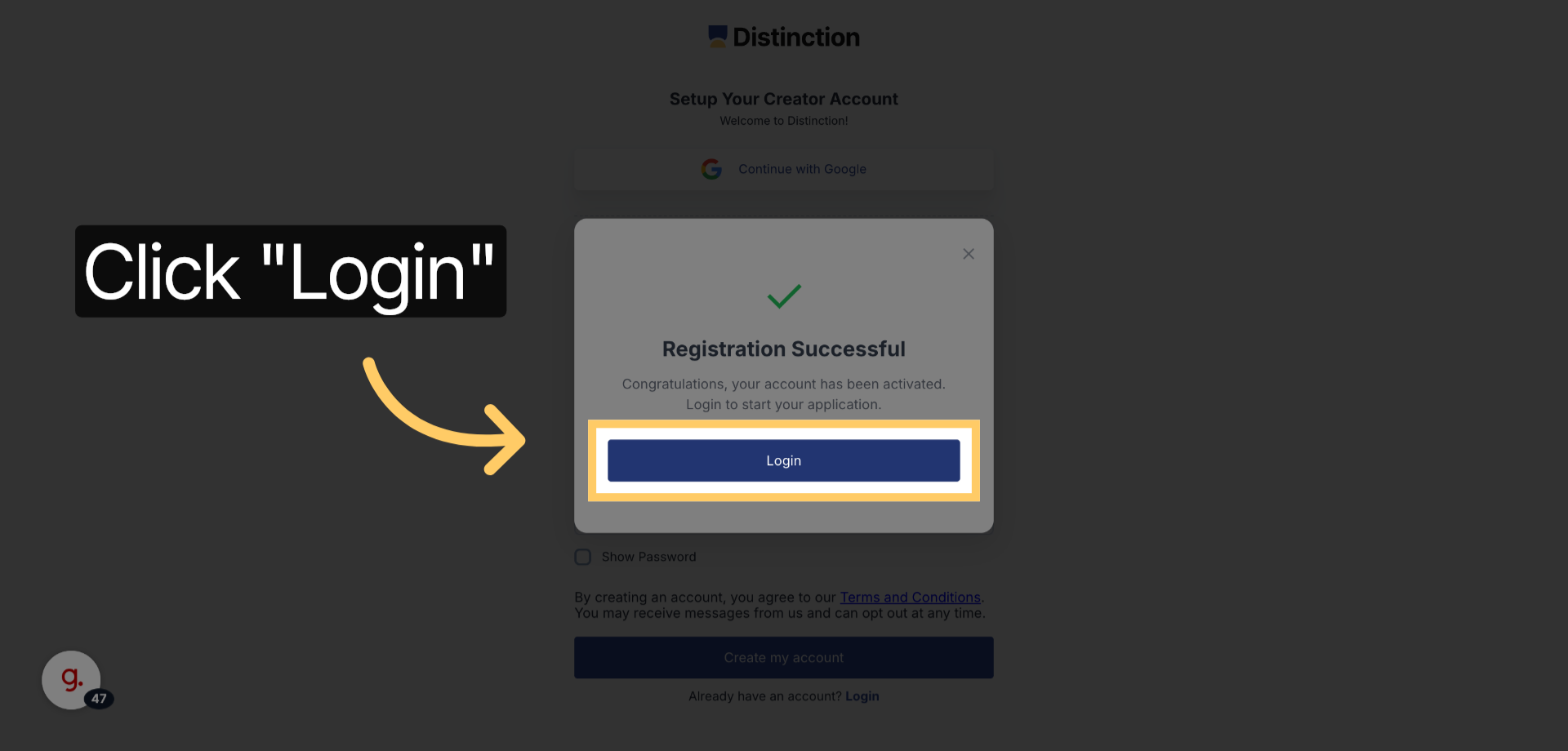
 Click the Login Button
  1. Once your account has been successfully activated, click the Login button to access your dashboard and start creating courses.
preview

This article detailed the complete process of signing up as a Creator on the Distinction platform, including account creation, email confirmation, and login. 

    • Related Articles

    • About Distinction

      What is Distinction.app? Distinction.app is a platform that helps you create, publish, and manage online courses with ease. It’s designed for both independent creators and academic lecturers, giving you all the tools you need to teach, engage ...
    • Editing Course Titles, Modules and Topics

      This section provides a step-by-step guide on how to edit course content effectively within the Distinction.app course management system. Key Steps 1. Accessing the Course - Click here to watch the video Log in to your account. Navigate to the course ...
    • Creating Courses Using Your Own Content

      This SOP outlines the steps to create courses by uploading your own content, ensuring the generated course aligns with your style and methods. Key Steps Step 1: Upload Your Content- Click here to watch the video Prepare your lecture notes or content ...
    • Creating a Course Using Prompts

      This section provides a step-by-step guide to creating a course using an AI prompt to ensure the content is engaging and effective. Key Steps Step 1: Set Up Your Course Title - Click here to watch the video Begin by typing your course title. For this ...
    • Editing Course Content SOP

      This section provides a guide for creators and lecturers on how to efficiently edit course content on Distinction.app. It covers updating articles, videos, flashcards, and quizzes, using AI prompts to improve content quality, adding images, and ...